Exporting data from XDSoft |

|
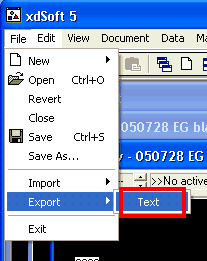
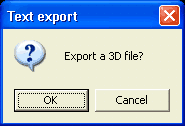
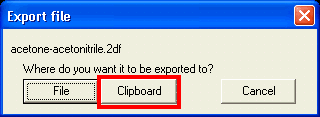
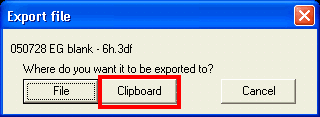
When data are exported from XDSoft they are most likley will be imported in Igor. This page describes the export side of this process. Import part can be found under Igor. Text export is currenly the only supported form. It can be found under File->Export menu. Export is slightly different for 2D and 3D files. If you are exporting a 3D file you will see confirmation dialog: The following dialog will ask you where you want to put the data: a file or the clipboard. Format of exported data is identical for both.
In most cases it makes sense to use clipboard, unless your file is extremely large.
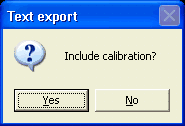 If you are exporting several spectral files with identical calibration, it makes sense to export calibration only in the first file. This way you will not have to deal with discarding copies of identical data upon import. Note that Z-axis calibration (usually time) is always exported for 3D files and never for 2D files. If you are transporting data into Igor see here for further steps. |

| Comments |